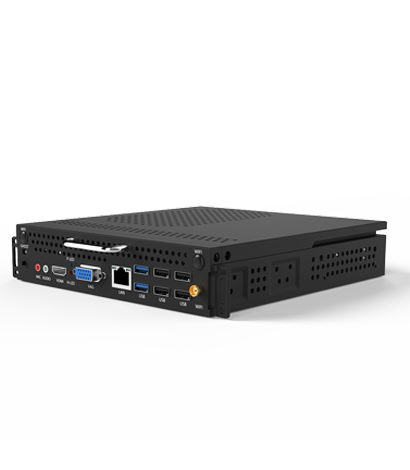
What should I do if a mini host encounters a blue screen or crashes? Encountering a blue screen or crash on a mini console may be caused by various reasons. Here are some solutions:
1. Check the hard drive mode and cooling system
Firstly, ensure that the hard drive mode is set correctly and that the machine's cooling system is working properly. If the hard drive mode is incorrect or the cooling system is insufficient, it may cause the host to overheat and experience a blue screen or crash.
2. Partition 4K alignment
If the blue screen or crash is caused by system reasons, it may be due to incorrect 4K alignment of the partition. You can solve this problem by adjusting the partition.
3. Check memory and hard drive
You can check if there are any bad tracks in the memory modules and hard drives, which may cause system stability issues. Using memory and hard disk detection tools can help you identify the problem.
4. Check the hard drive mode
Finally, ensure that the mode setting of the hard drive is correct. Usually, the hard drive should be set to AHCI mode instead of IDE mode. Incorrect mode settings may cause system instability.