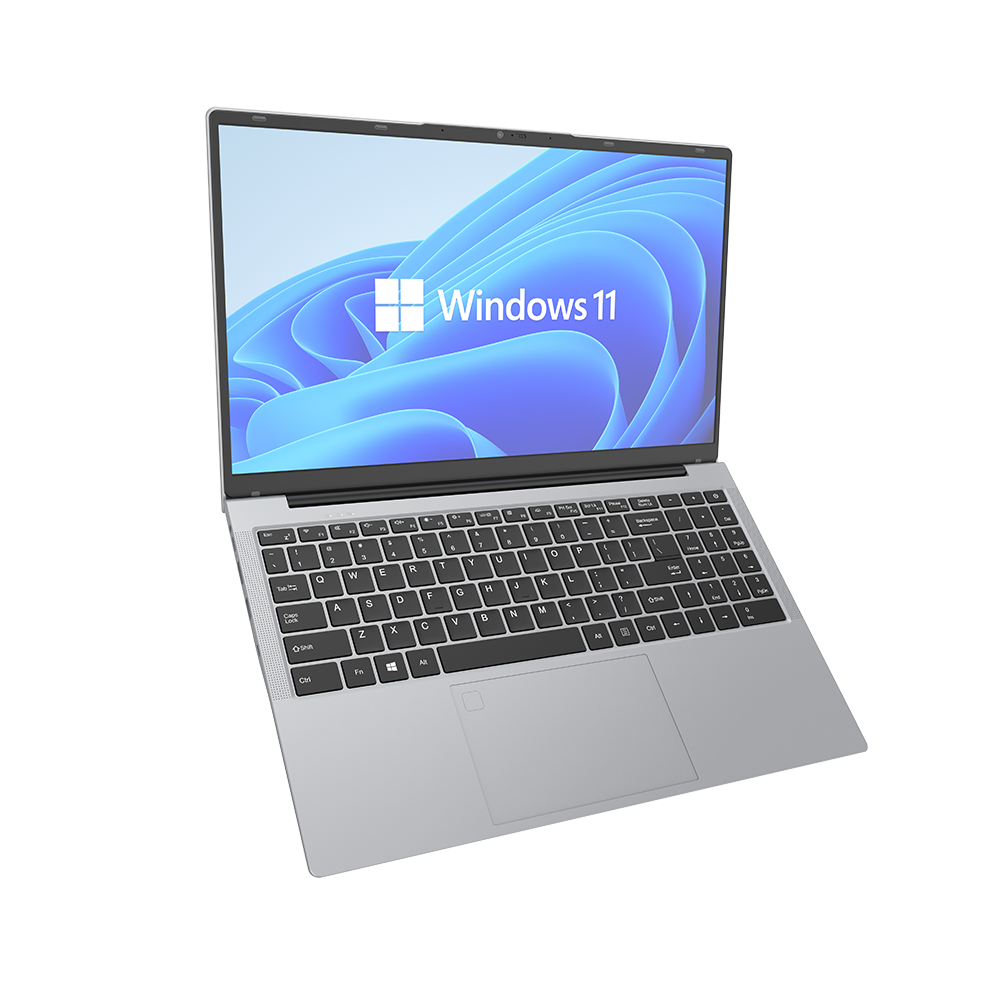
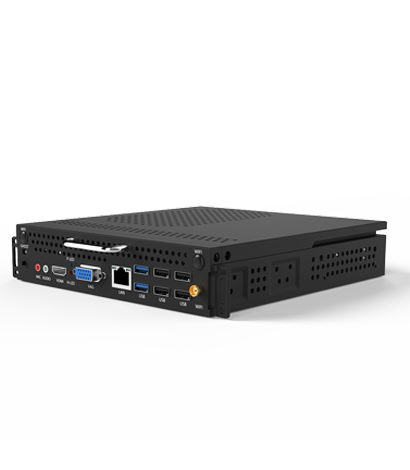
There are two common ways to connect mini consoles and laptops: wired connection and wireless connection.
The following are their detailed steps and common problem-solving methods:
Wired connection method:
1. Prepare an HDMI cable and an Ethernet cable.
2. Insert the HDMI cable into the HDMI interface of the mini host and laptop respectively.
3. Insert one end of the Ethernet cable into the network port of the mini host and the other end into the network port of the router.
4. Open the laptop and mini console, and enter the password on the computer interface.
Wireless connection method:
1. Press the Win+P key on the laptop to open the projection options interface.
2. Select "Wireless Display" and wait for the notebook to search for available devices.
3. Ensure that the mini console and laptop are connected to the same Wi Fi network or paired with Bluetooth.
4. Select the mini host from the list of available devices and follow the prompts to enter the password for pairing.
5. Enter the password on the computer interface.
Common problems and solutions:
1. Unable to find mini host: Restart the router and mini host to ensure they are connected to the same Wi Fi network.
2. No sound: Check if the audio cable is connected correctly and try replacing the audio cable.
3. Slow connection speed: You can try strengthening the Wi Fi signal or replacing a faster network cable.
By connecting mini consoles and laptops through wired or wireless means, you can gain greater computing power in a smaller space. Please choose the appropriate connection method according to your needs and environment.